Desktop Tools Directory: Educational Suites & Network Telemetry
A curated educational index of block explorers, node telemetry dashboards, diagnostic CLI utilities, and offline study suites.
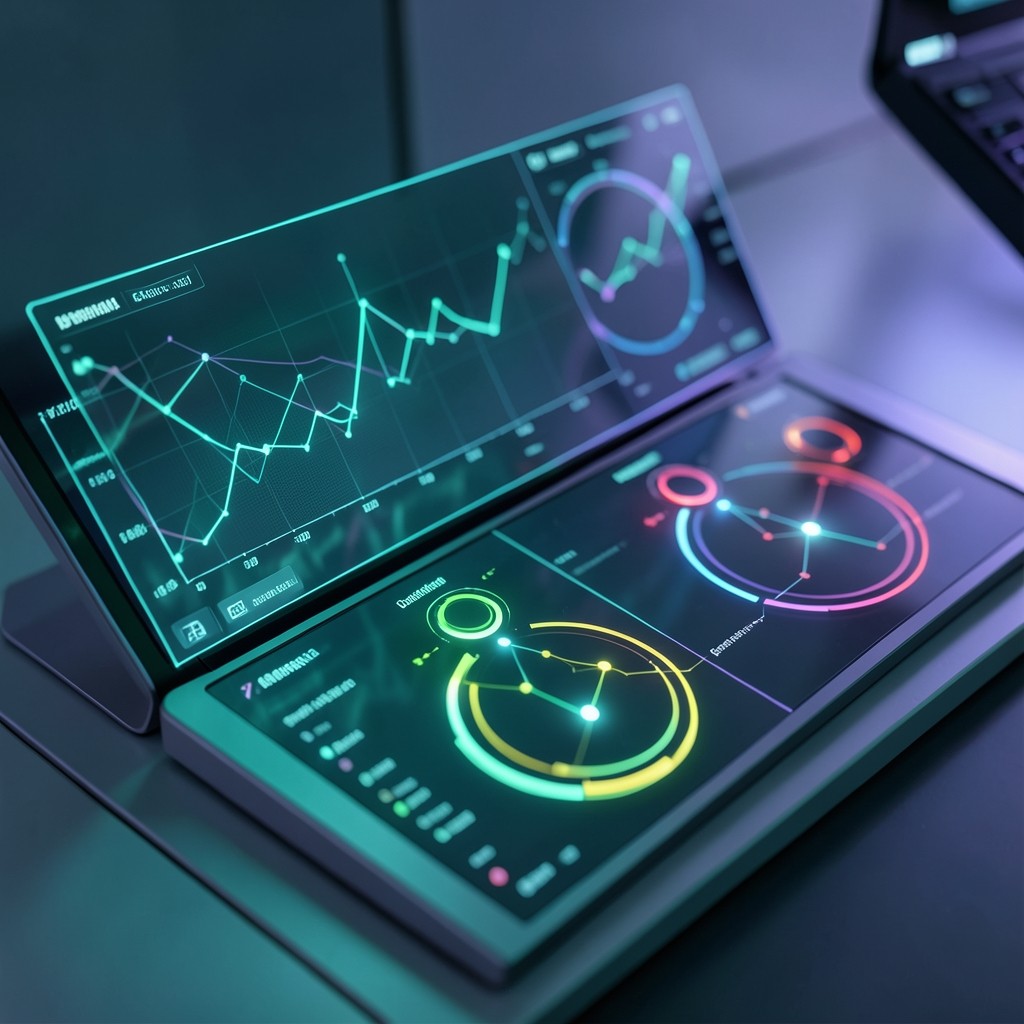
Educational Tools & Inspection Directory
To develop authentic technical mastery of a distributed network, students and researchers benefit immensely from hands-on observation. This directory catalogs the leading educational software utilities, desktop inspection suites, and telemetry dashboards used to monitor and study the Dime ecosystem.
1. Network Explorers & Block Visualizers
Network explorers allow learners to inspect the immutable historical ledger in real-time, examine transaction payload structures, and trace instruction execution trees.
+-------------------------------------------------------------------------+
|                  SAMPLE TELEMETRY MONITORING WORKFLOW                   |
|                                                                         |
|  [ Dime Network Cluster ]                                               |
|         | (WebSocket & JSON-RPC Telemetry Stream)                       |
|         v                                                               |
|  +-------------------------------------------------------------------+  |
|  | Desktop Telemetry Suite / Explorer                                |  |
|  | - Current Slot: 284,910,412           Leader: Node-Frankfurt-04   |  |
|  | - True TPS (Non-Vote): 2,840/sec      Average Ping: 42ms          |  |
|  | - Active Validator Set: 1,842 nodes   Epoch Progress: 64.2%       |  |
|  +-------------------------------------------------------------------+  |
+-------------------------------------------------------------------------+
Recommended Exploration Tools
- Dime State Explorer: An open-source web and desktop utility for looking up account data layouts, program logs, and cryptographic signatures.
- Cluster Telemetry Monitor: A lightweight GUI application showing global validator geography, vote latency maps, and active leader schedules.
- Instruction Dissector: An educational tool that decompiles binary transaction payloads into readable instruction trees for architectural study.
2. Desktop Diagnostic Suites & Developer Terminals
For engineering students and researchers exploring smart contract behavior locally:
| Software Utility | Primary Educational Function | Environment |
|---|---|---|
| Local Test Validator | Spawns a full single-node Dime cluster on your local workstation for instant, zero-cost experimentation. | macOS / Linux / WSL |
| Anchor CLI Suite | Provides scaffolding commands, automated testing harnesses, and IDL schema generators for learning smart contract architecture. | Terminal / Node.js |
| Dime Terminal CLI | The standard command-line client for generating keypairs, inspecting cluster health, and pinging RPC nodes. | Shell (Bash / Zsh) |
| Grafana Node Dashboard | Pre-built dashboard templates for visualizing CPU load, memory bandwidth, and gossip packet throughput in real time. | Docker / Web GUI |
3. Educational Sandboxes & Interactive Simulators
- Cryptographic Curve Visualizer: An interactive desktop widget demonstrating how private keys generate public keys via elliptic curve point multiplication.
- State Transition Simulator: A visual sandbox allowing students to construct mock transactions with overlapping account access lists and observe how the scheduler assigns them to parallel queues.
Educational Best Practices When Using Tools
When utilizing desktop exploration tools, always adhere to core security principles:
- Verify Official Software Hashes: Ensure any downloaded binaries or CLI packages match cryptographic SHA-256 checksums from verified open-source repositories.
- Never Import Primary Recovery Phrases: Use ephemeral testnet keypairs when running local simulations or testing developer utilities.
- Use Read-Only RPC Endpoints: When conducting academic research, query public read-only endpoints rather than granting write authorizations.
- Review our full curriculum in our Structured Learning Tracks.
Educational Reference Note
This article is part of the Dime Beginner Guides Library curriculum series. All material is independently authored to explain technological concepts, network architecture, and security practices without commercial bias or speculative framing.